
Business mileage
Claim business mileage in a private car: a clear workflow
Keep distance, purpose, rate and reimbursement traceable when using your own car for business.
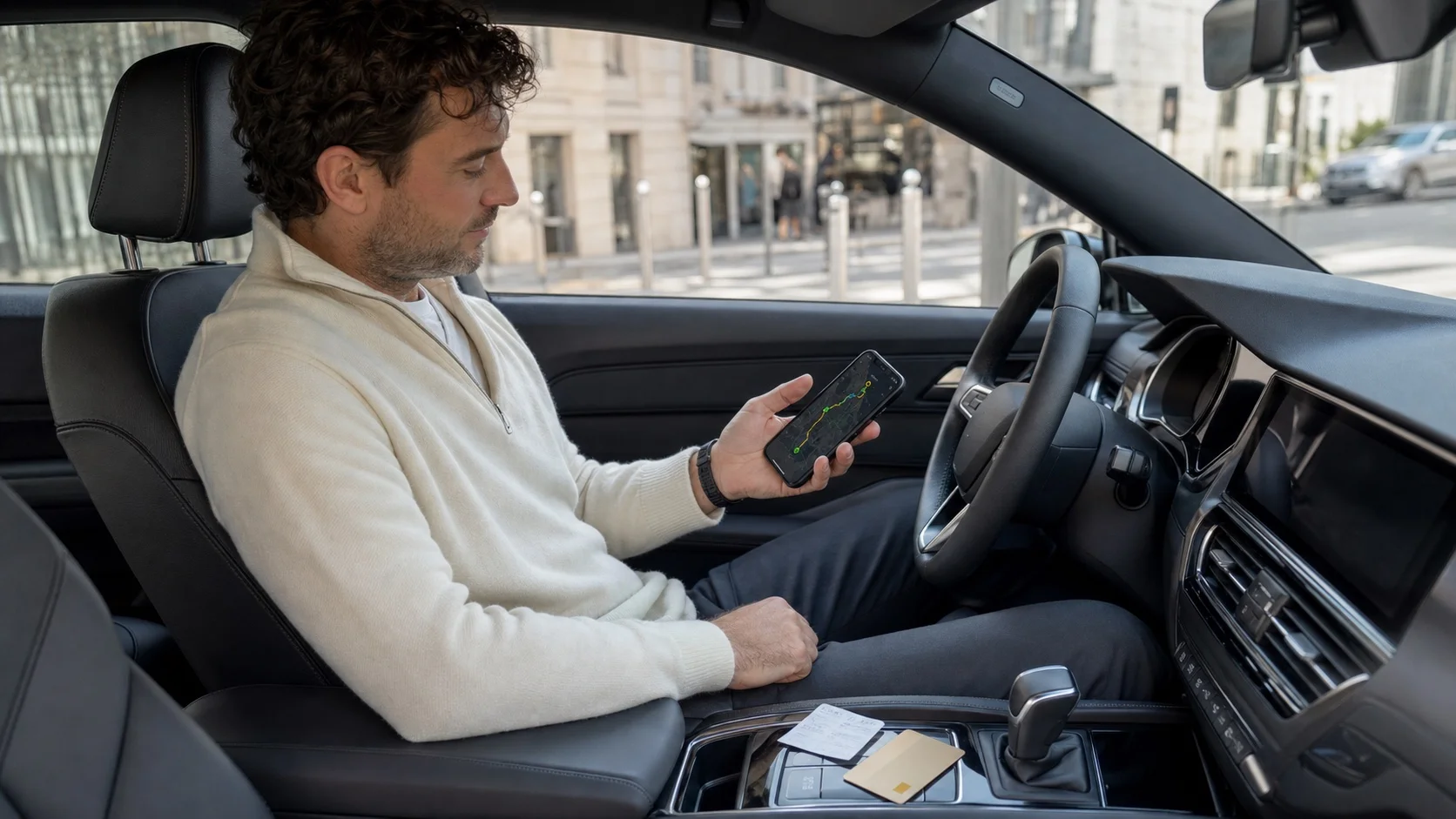
A mileage amount is only the result. The records underneath must show which drives were included and why they qualified.
Rates and treatment can change, so keep measured distance separate from the calculation.
Record each drive separately
- Date and time
- Origin and destination
- Business distance
- Client, project or purpose
- Vehicle
- Any private detour
Separate distance from rate
Preserve kilometres as source data and apply the current rate in the claim. A later rate correction should not rewrite trip history.
Prevent duplicate reimbursement
Mark claimed drives and check how parking, tolls, fuel or charging are handled. Keep one trip out of two reporting periods.
Close the claim monthly
Filter by vehicle, category and period, compare with your calendar, then save PDF and CSV. Confirm local rules for private-car business use.
Turn the guidance into a controlled workflow
Use “Claim business mileage in a private car: a clear workflow” as a working checklist with a real reporting period, not as a one-time reading exercise. Capture each drive promptly, add its business context while it is still fresh, and flag anything that relies on an estimate or manual correction.
Set one short weekly review and a formal month-end close. This separates routine classification from final approval and keeps a small uncertainty from becoming an unexplained annual total.
Verify the result before you rely on it
Check a sample against your calendar, invoices or other business records. Confirm the vehicle, driver, dates and category filters, then open both the PDF and CSV exports instead of assuming a completed export is usable.
Store the exact version you shared and record why a later correction was necessary. Tax rules and retention periods depend on country and situation, so verify current local requirements with the relevant authority or a qualified adviser.