
1
Record your drives
Use automatic tracking or start manually. Route, time and distance stay together.
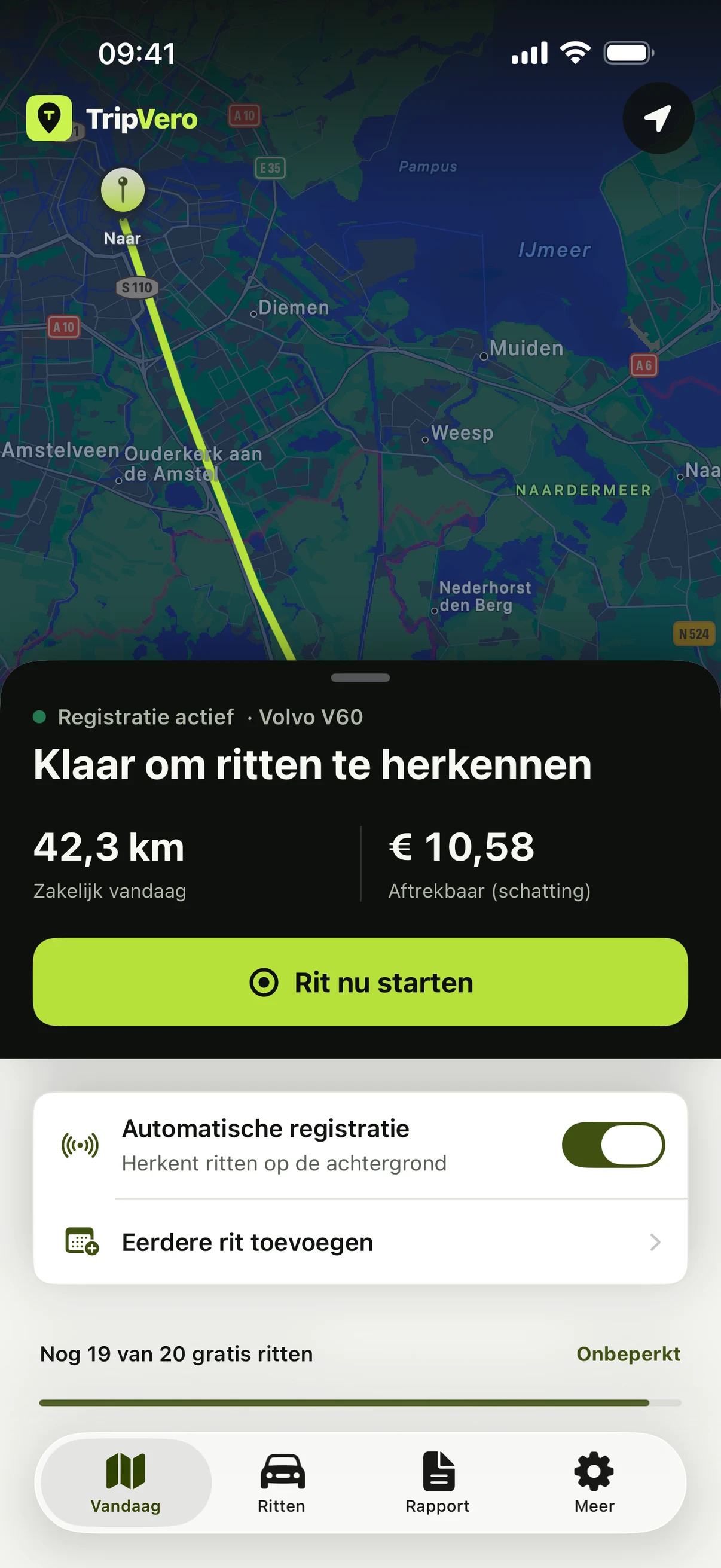
Automatic mileage tracker for iPhone
TripVero captures business, commute and private drives automatically or manually. You review only what needs attention, then export a clear report.
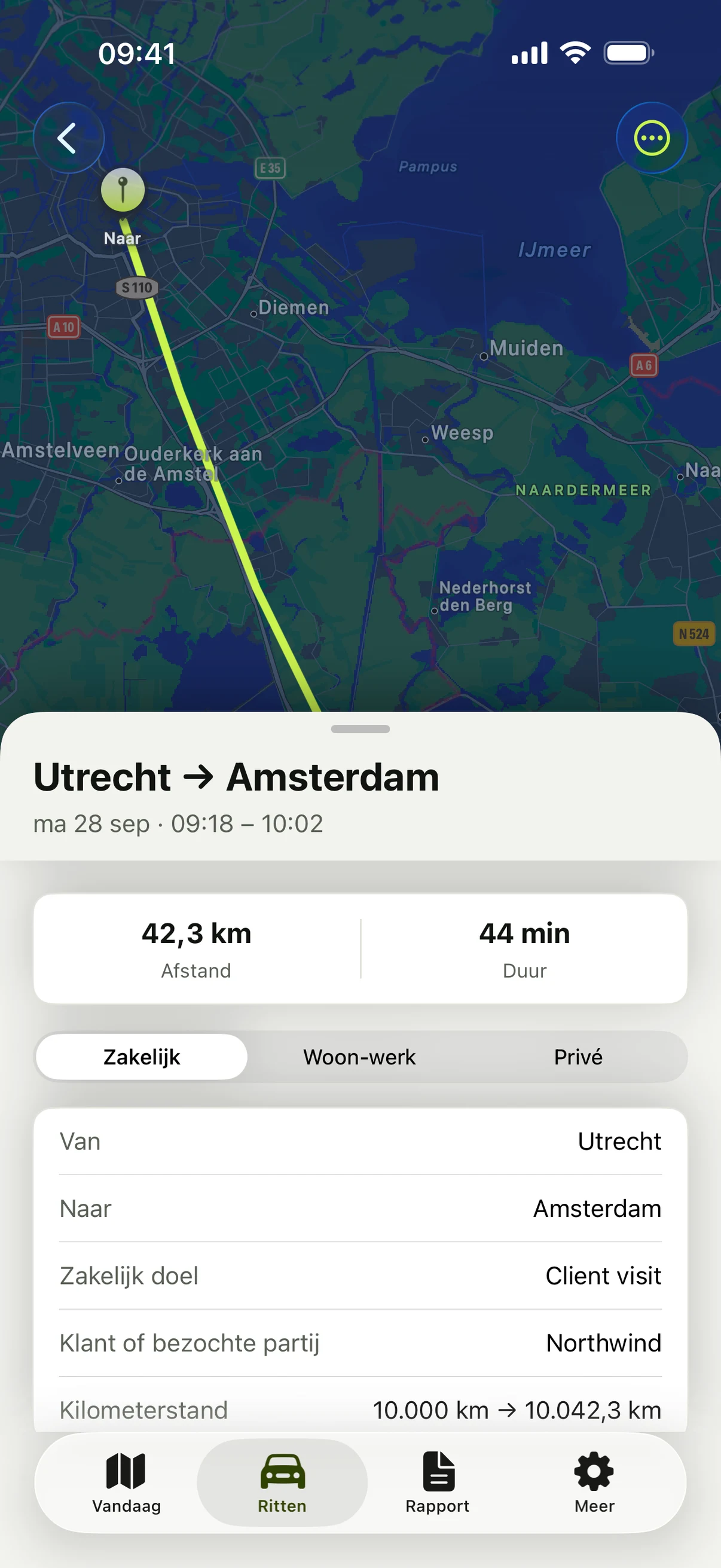
Built for review, not blind automation. Dates, locations, distance, odometer readings, classification and purpose stay connected to each drive.
From route to report
Record, review, share. What still needs attention stays visible.
Use automatic tracking or start manually. Route, time and distance stay together.
Classify business, commute or private and resolve missing details in one queue.
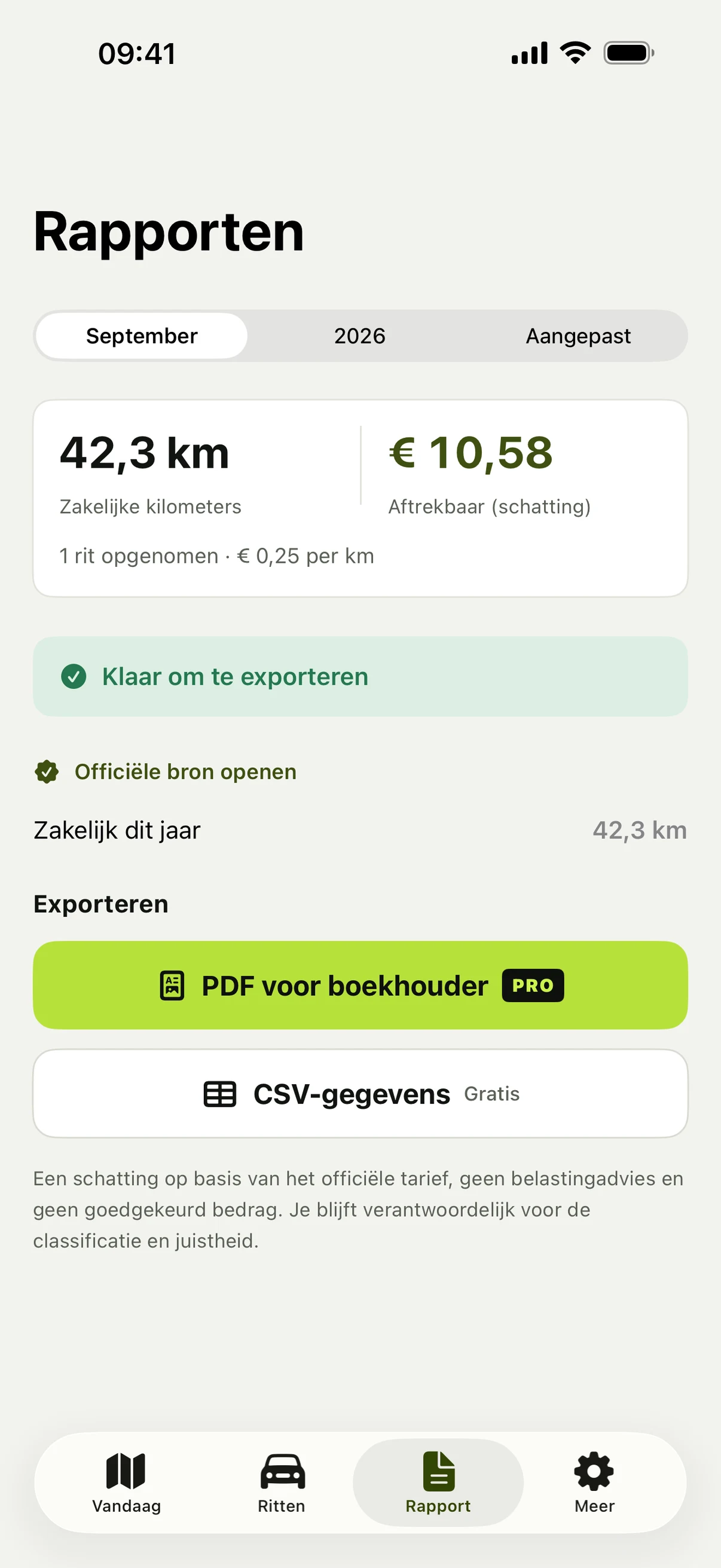
Share a tabular CSV report or create a readable Pro PDF for your accountant.
Less admin, stronger records
A verifiable workflow instead of a dashboard full of disconnected charts.
Let iPhone motion and location record drives, with manual start as a fallback. Automatic detection can miss drives.
Spot missing classifications, locations, odometer readings, overlaps and possible gaps. Free for everyone.
Export a tabular trip report as CSV and create a readable Pro PDF.
Filter each reporting period by the correct vehicle and driver.
Protect the app with Face ID. When iCloud is available, trips sync automatically through your private CloudKit database.
Made for real workdays
TripVero helps you record the ordinary trips that are easy to forget and flags what may need a later check.

Value first, then Pro
Record 20 drives with GPS before deciding; typing in past trips stays unlimited. Pro unlocks unlimited recording and PDF reports.
Final price and any trial will be shown clearly in the App Store and app before purchase.
Frequently asked questions
Yes. With motion and location permission, TripVero can capture drives automatically. Manual start and later entry are also available. Detection depends on iOS, permissions, signal and battery settings, and it can miss drives, so review your trips. TripVero flags possible gaps.
A tabular trip report is available as CSV for free. TripVero Pro adds a readable PDF report. Integrity and possible-gap checks are free for everyone.
Trip data is stored on your device and syncs automatically through your private CloudKit database when iCloud is available. TripVero also offers Face ID lock and a portable JSON export.
The app is available in Dutch, English, Danish, Swedish, German, French and Norwegian. Country profiles are included for the Netherlands, Denmark, Sweden, Germany and Norway, plus an international profile.
TripVero guides
Learn what a complete mileage log should record for each vehicle and trip, and how to review it before sharing a report.
Read guide
Using a private vehicle for business in the Netherlands? See which trip details help support your 2026 mileage administration.
Read guide Understand how automatic trip detection uses motion and location, what to review, and when manual tracking is the safer choice.
Read guideTripVero is available now on the App Store for iPhone.