
Mileage tracker app
Automatic mileage tracking app: how it works on iPhone
Understand how automatic trip detection uses motion and location, what to review, and when manual tracking is the safer choice.
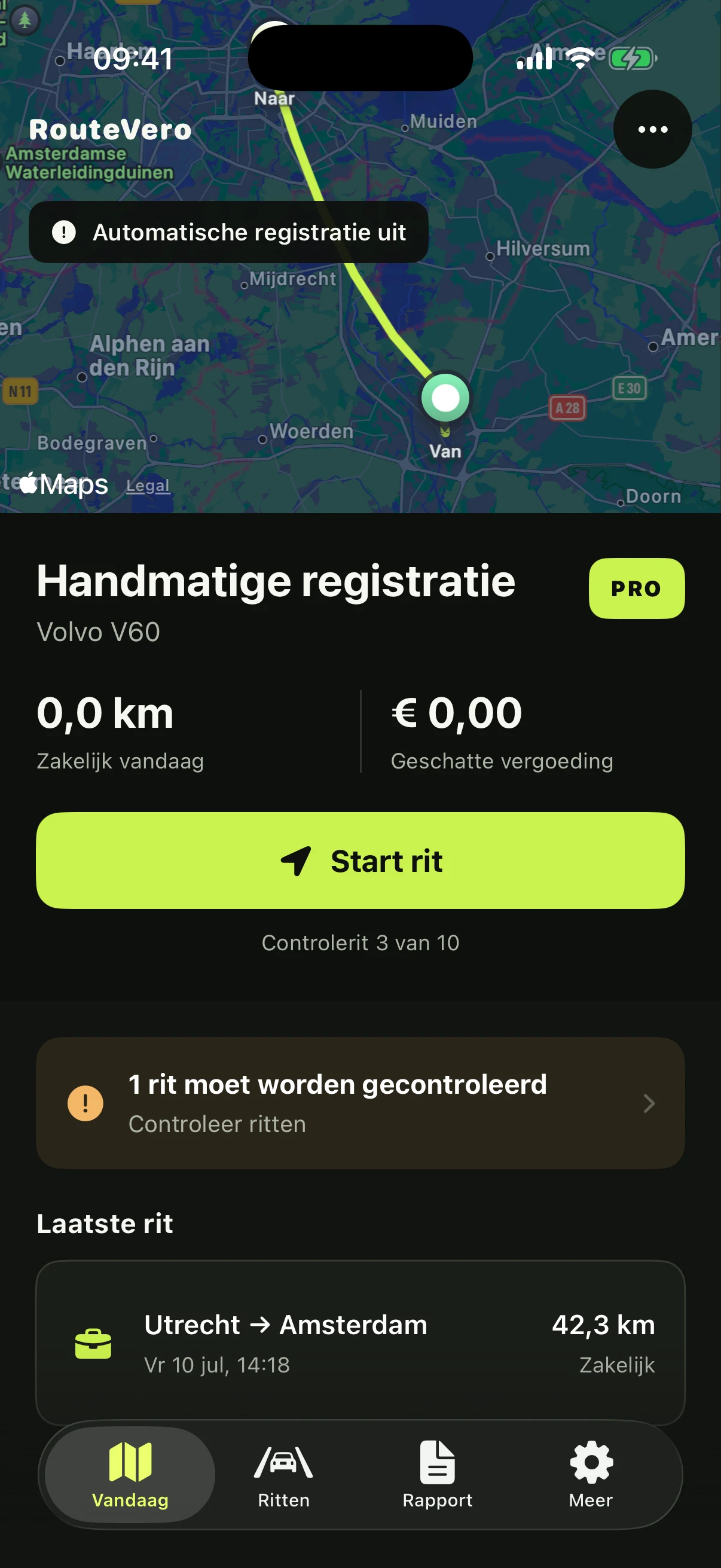
An automatic mileage tracker uses iPhone motion, location and time signals to recognise that you are driving. It builds a draft trip while you travel, then asks you to confirm the business context.
Automatic does not mean invisible or infallible. The strongest workflow combines background capture with a clear review queue.
From movement to a draft trip
- iPhone detects vehicle-like movement
- Location points form a route
- The drive ends after movement stops
- You classify and complete the trip
Permissions and reliability
Motion and location permissions are needed for background detection. Battery settings, signal quality and iOS behaviour can affect results, so an important drive should always have a manual fallback.
A transparent app shows tracking health instead of promising that every drive will be perfect.
What to review afterwards
- Departure and arrival
- Distance and odometer sequence
- Business, commute or private classification
- Business purpose
- Detours or mixed-purpose distance
Privacy matters
Routes reveal sensitive patterns. Check whether the app stores data locally, offers a private backup, supports export and lets you delete records.
RouteVero manages trip data on the device, supports private iCloud backup and can be locked with Face ID.
Battery use and missed drives
Location tracking uses energy, but a well-designed app does not need maximum GPS accuracy every second. It can use motion signals to decide when detailed location updates are useful. Actual battery impact still varies by device, route, reception and iOS settings.
No app should promise that every drive will always be detected. Check tracking health after changing phones or permissions, and use manual start for an important client journey when certainty matters more than convenience.
When manual entry is the better choice
Manual tracking is useful for a trip added from reliable records, a short journey automatic detection missed, or a drive where background location was intentionally disabled. Record how the distance was determined and avoid presenting an estimate as a measured odometer value.
The practical goal is not maximum automation. It is a complete, understandable history in which automatic and manual records can both be reviewed before they appear in a report.