
Mileage log
Mileage log requirements: a practical checklist
Learn what a complete mileage log should record for each vehicle and trip, and how to review it before sharing a report.
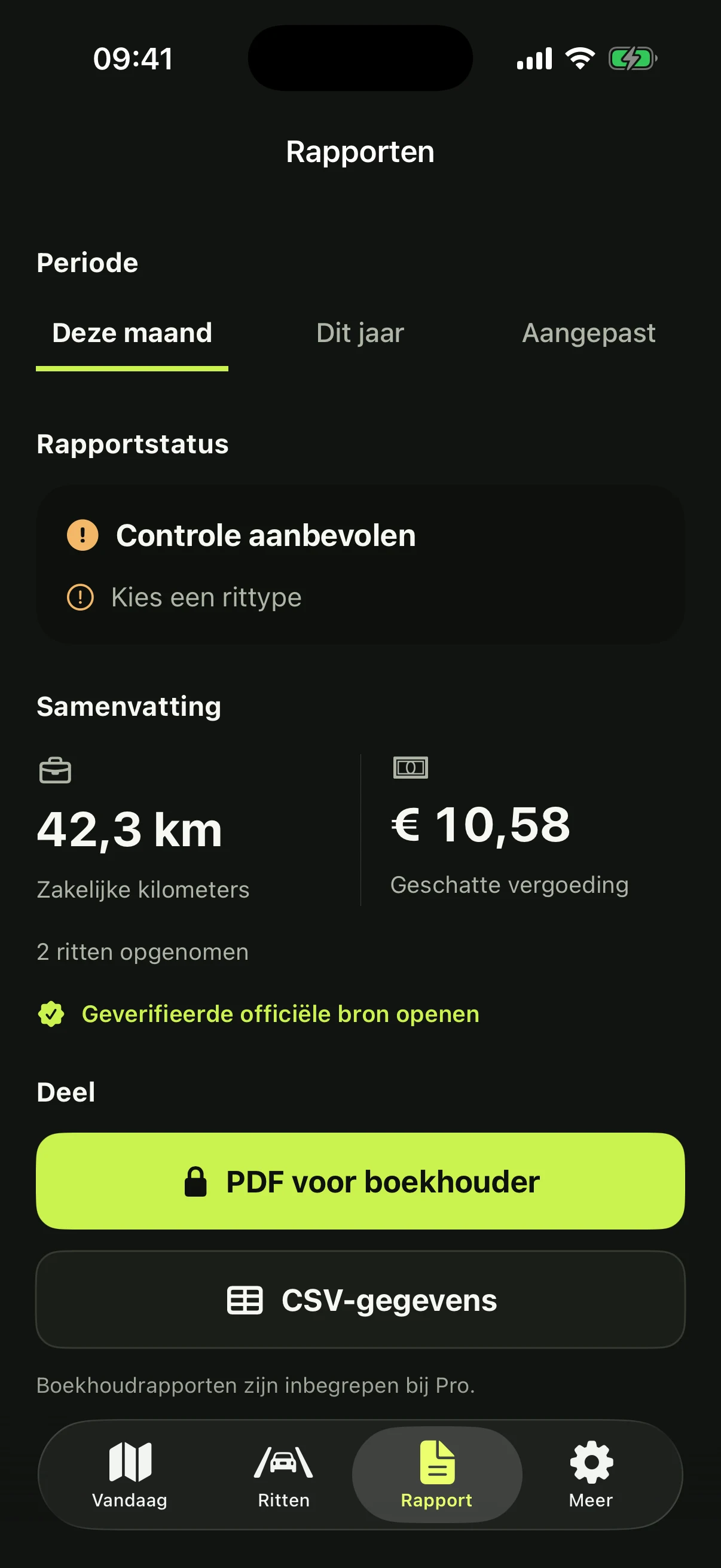
A useful mileage log is more than a list of distances. It connects every drive to a date, route, vehicle, purpose and consistent odometer sequence.
Exact tax requirements differ by country and situation. Use this checklist as an administrative foundation, then confirm local rules with the relevant authority or your adviser.
Details to record for every drive
- Date and start and end time
- Departure and destination
- Distance or start and end odometer reading
- Vehicle and driver
- Business, commute or private classification
- Business purpose and any unusual detour
What makes a log consistent?
Successive odometer readings should connect logically. Overlapping drives, a lower end reading or an unexplained gap deserve attention before export.
Automatic tracking reduces forgotten trips, but it cannot know the true purpose of a meeting. A short human review remains essential.
Review before you export
- Filter the correct reporting period
- Check unclassified drives
- Resolve missing locations and odometer gaps
- Add a concise business purpose
- Export both a readable PDF and raw CSV when possible
A repeatable monthly habit
Review exceptions weekly and close the reporting period monthly. Small, regular checks are faster and more reliable than reconstructing a year of travel from calendars and receipts.
RouteVero brings drives that need attention into one review flow, so the report becomes the result of the check rather than the start of it.
Mileage log app or spreadsheet?
A spreadsheet can work when the number of drives is low and every trip is entered immediately. It becomes fragile when several vehicles, drivers or corrections are involved because the sequence is easy to break without noticing.
A mileage tracker adds value when it keeps the original trip records, makes changes visible and separates capture from approval. Choose a system that lets you export your raw data instead of locking the history inside the app.
Records for multiple vehicles and drivers
Keep each odometer sequence attached to one vehicle. If a driver changes cars, the next trip should continue the selected car’s mileage—not the previous driver’s last trip. The same principle applies when a vehicle enters or leaves service during the reporting year.
Before archiving a report, verify the vehicle, driver and period filters. Store the final files with the invoices, appointments or other records that explain the business purpose where that context may be needed later.